This page gives the steps only. For what Camp Mode keeps on, its battery use and fixes for common problems, read the complete Tesla Camp Mode guide. For risks and warnings, read is Tesla Camp Mode safe. To plan a whole night, read can you sleep in a Tesla overnight. For the bed, compare the best Tesla mattresses.
Camp Mode setup in five steps
- Park legally and levelUse a designated campsite or a location that explicitly permits overnight vehicle occupancy.
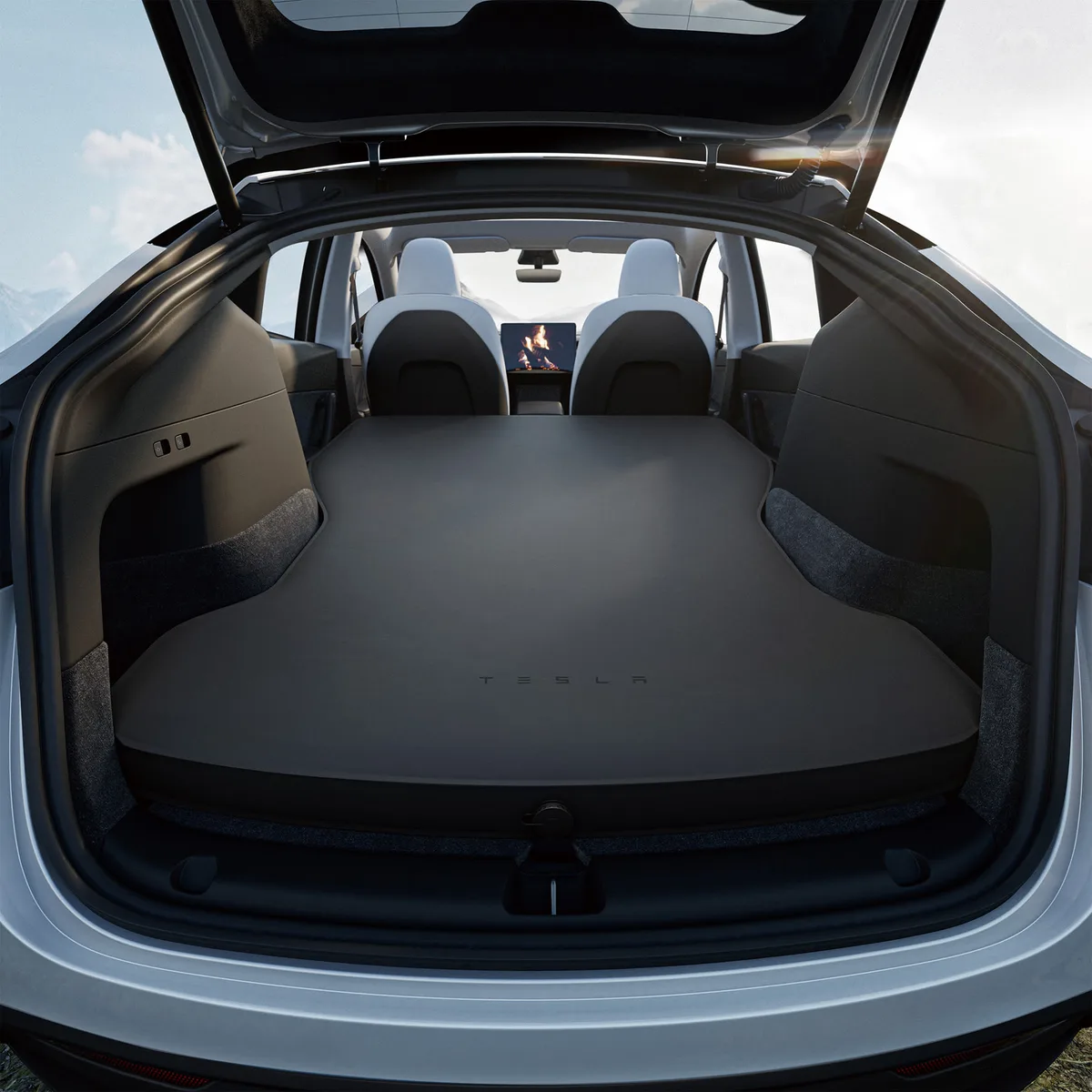
- Prepare before making the bedMove the front seats, fold the rear seats and keep at least one exit clear.
- Turn on CampWhile in Park, open Climate and select Camp from the parked-climate choices.
- Set and verifyChoose the temperature and fan settings, then confirm the screen still shows Camp as active.
- Lock and monitorLock deliberately, keep the phone charged and watch the Tesla app for climate or vehicle alerts.
Tesla changes interface details through software updates. If the steps on your screen differ, search for “Camp” in the current in-car owner manual rather than following an old screenshot.
If you cannot select Camp Mode
- The car is not in ParkCamp Mode is available only in Park.
- Low Power Mode is onCamp Mode is not available in Low Power Mode. Tesla sets the threshold at 20% by default, and on current Model Y software you can set it from 10% to 20%.
- The control has movedSearch for “Camp” in the in-car owner manual.
How Camp Mode stops
Camp Mode stays on until you turn it off, shift out of Park or turn off the climate in the Tesla app. It also stops when the car enters Low Power Mode or finds a problem with the climate system. The Tesla app sends a notification if the climate turns off.
Before you sleep
Lock the doors yourself, because Walk-Away Door Lock does not operate in Camp Mode. Keep one exit clear of bedding and bags. Never use a fuel-burning stove, heater or charcoal source in the car: the CDC warns that it can produce fatal carbon monoxide.
Next step: the Snuuzu code for our Model Y pick
Sources
- current Model Y climate-control manualtesla.com · checked 30 Sep 2026
- Low Power Mode guidancetesla.com · checked 30 Sep 2026
- CDCcdc.gov · checked 30 Sep 2026
Camp Mode behavior and Low Power Mode limits were checked against Tesla's current Model Y climate-control manual and Low Power Mode guidance on 30 September 2026. Carbon-monoxide guidance comes from the CDC. Always follow the manual in your own vehicle and current local site rules.